Pasting the Radiologist Draft
Copy the plain-text draft. Paste it into your reporting system.
On the report screen, click Copy Radiologist Draft. The draft is now on your clipboard as plain text.
The Abnormal Findings card beside the draft lists every abnormal entry (structure, finding, value) at a glance. It is built from the same entered values the draft highlights, so it always matches the draft. A clean study reads "No abnormal findings flagged."

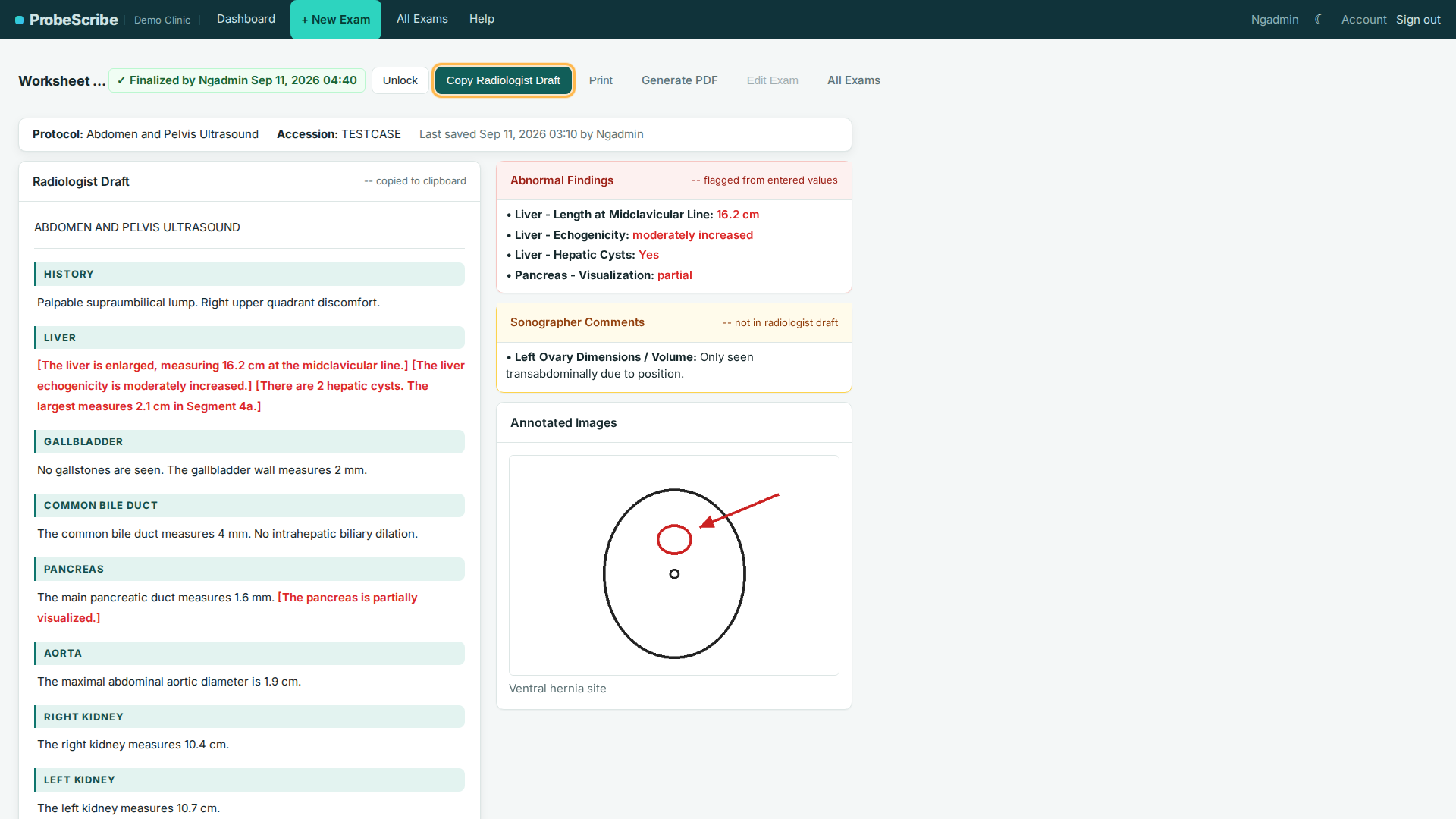
Open the patient's study. Place the cursor in the report editor. Paste (Ctrl+V on Windows, Cmd+V on Mac). The radiologist reviews, edits, and finalizes from there.
PowerScribe 360 / PowerScribe One
- Open the study. Start a new report or open the draft.
- Paste into the report body.
- Edit, then sign.
Fluency for Imaging (Solventum)
- Open the study.
- Paste into the report editor window, not the dictation input.
- Edit by speech or keyboard, then finalize.
Other systems
Same steps everywhere. The draft is plain text, so it pastes cleanly into any editor.