Getting Started
Five short steps from sign-up to your first finalized exam.
1. Register your clinic
Sign up at /auth/register/. This creates your clinic and makes you its Admin.
Use a real email address. Password resets go there.
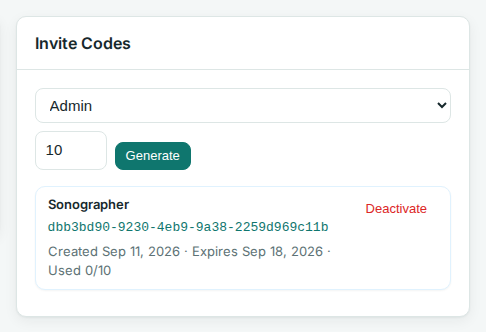
2. Invite your team
Open Users in the top bar. Generate an invite code and share the URL.
- Sonographer: runs and finalizes their own exams, and can pick up unclaimed exams the ultrasound machines started.
- Admin: everything, including protocols, users, and API tokens.
3. Add a protocol
Open Protocols in the top bar. Two options:
- Import Protocol: load a protocol JSON file you already have.
- + New Protocol: build your own. See Protocol Builder Orientation.
Toggle the protocol Active so sonographers can pick it.
4. Run your first exam
On the dashboard, click + New Exam. Enter an accession number and pick the protocol.

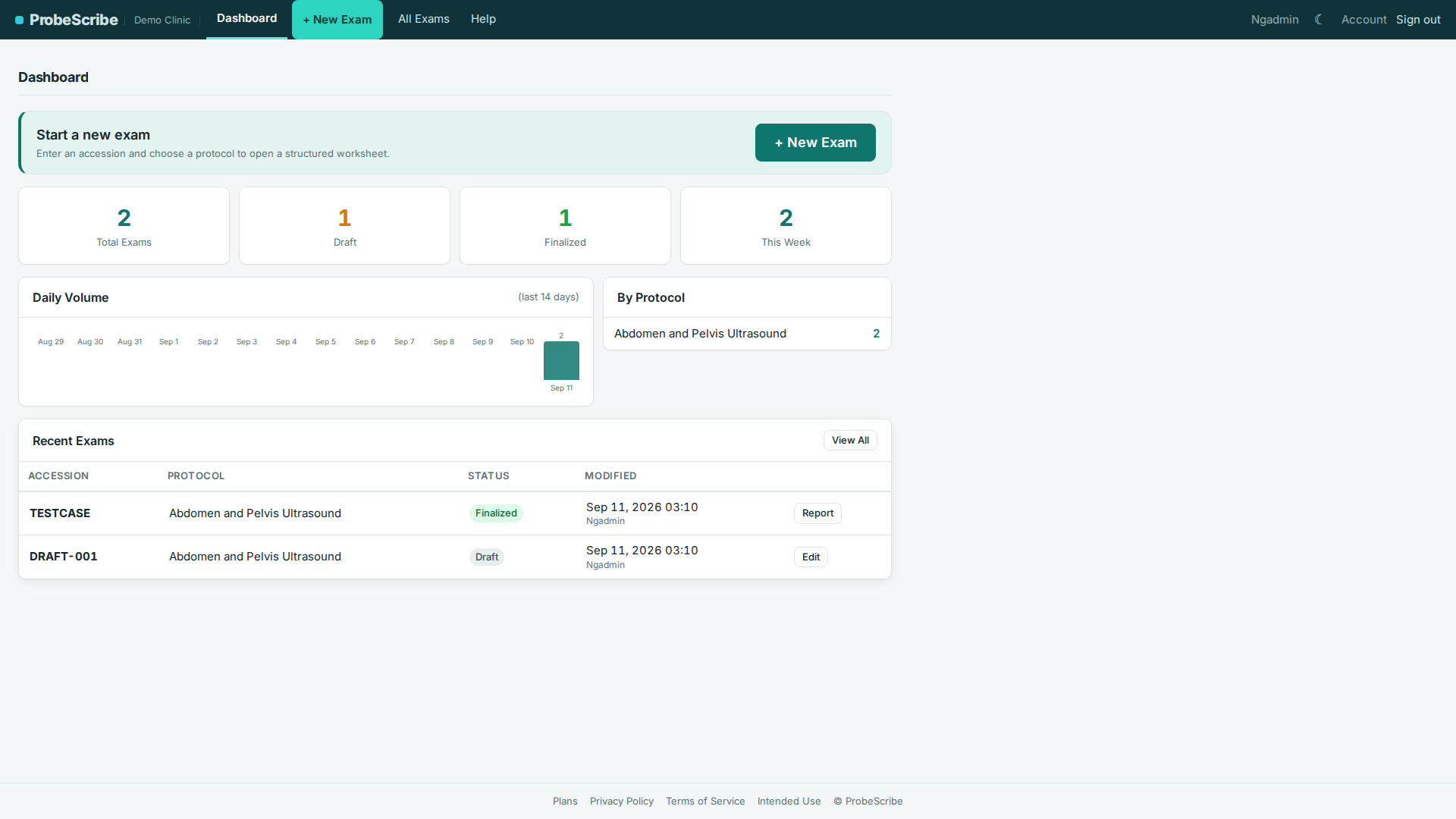
The per-exam flow is covered in Sonographer Exam Workflow.
5. Personalize your account
Click Account in the top bar to set a display name, change your password, or switch theme.
Intended use and limitations.
ProbeScribe is a structured-reporting aid for sonographer
worksheets and radiologist drafts. It is not a diagnostic device and is
not intended for primary image interpretation. The radiologist retains
full clinical responsibility for reviewing measurements and findings
against the source images. See the
full intended use statement.